
NO EXPERIENCE NEEDED
START YOUR VIRTUAL ASSISTANT JOURNEY
An online course designed for Filipinos who want to work from home and earn in Dollars. Step-by-step guidance para sa mga gusto maging VA.
Regular price ₱349 starts end of month
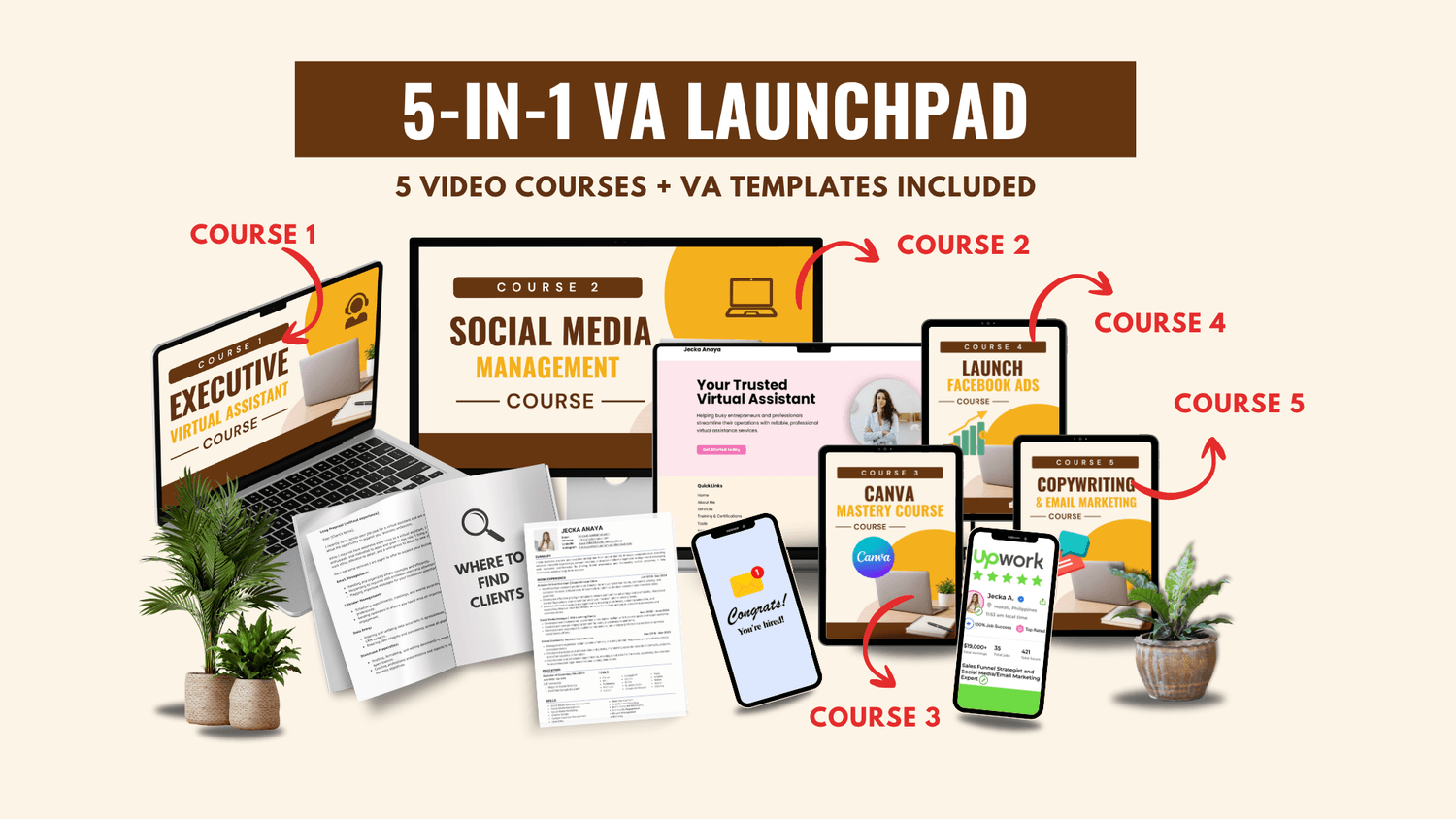
NO EXPERIENCE NEEDED
START YOUR VIRTUAL ASSISTANT JOURNEY
An online course designed for Filipinos who want to work from home and earn in Dollars. Step-by-step guidance para sa mga gusto maging VA.
Regular price ₱349 starts end of month
NEWBIE-FRIENDLY COURSE
KAHIT ZERO KNOWLEDGE O WALA KA PANG
EXPERIENCE, THIS IS THE PERFECT COURSE FOR YOU!
Lahat ng lessons ay Tagalog-English explained. Hindi lang ito galing sa ChatGPT or Google
kundi based on the experiences of the course creator.
WHAT'S COVERED PER COURSE
Tap a skill to open its full topic list.
Lecture 1: Inbox Management
Understanding the Gmail interface
How to get Access to Client's account as a V
Understanding "To," "CC," and "BCC" Fields
Writing a professional email
Creating and sending emails: Formatting, attachments
Utilizing filters and labels for organization
How to Use Templates
Setting up automatic replies (out-of-office)
How to bulk delete emails
How to Insert Email Signature
Sample Email Templates for Inbox Management
Inbox Management Checklist (For VAs)
Lecture 2: Calendar Management
Navigating the Google Calendar Interface
How to get Access to Client's account as a VA
Add to calendar with different time zones
Creating and scheduling events (single & recurring)
Create a Task and how to view it
Create appointment schedule
Lecture 3: Google Drive Management
Google Drive structure
How to Create Folders
How to Share Files/ Folders
File naming conventions for easy searchability
Setting permissions and access levels
Version history and file recovery
Lecture 4: Data Entry
Purpose of Google sheets for Data entry
Parts of a Spreadsheet (Google Sheet)
Collaboration and Sharing
What is Social Media Management
Tasks of a Social Media Manager
What to Ask your Clients before you Start
Social Media Platforms Overview
Social Media Creatives
Caption & Hashtags
Social Media Tools I personally use
Content Pillars
Sample workflow of a Social Media Manager
Free templates: Workflow checklist, Social Media Tasks
Elements of Design
Basic Principles of Design
Color Theory Basics
Basics in Canva
Canva Interface Tour
Working with Templates: Finding and Customizing
Text Tools: Fonts, Sizes, Effects, and Pairing
Using Elements: Shapes, Icons, Lines, Illustrations
Adding and Editing Photos (Filters, Frames, Grids)
Understanding Layers, Groups, and Positioning
Using Brand Kit (For Canva Pro)
Backgrounds, Gradients, and Transparency
Smart Mockups and Frames
Using Canva Magic Studio Tools (AI Tools)
Resize Options
File Types Explained: PNG, JPG, PDF, MP4
How to Download Canva Designs
Hands-On Projects for Beginners
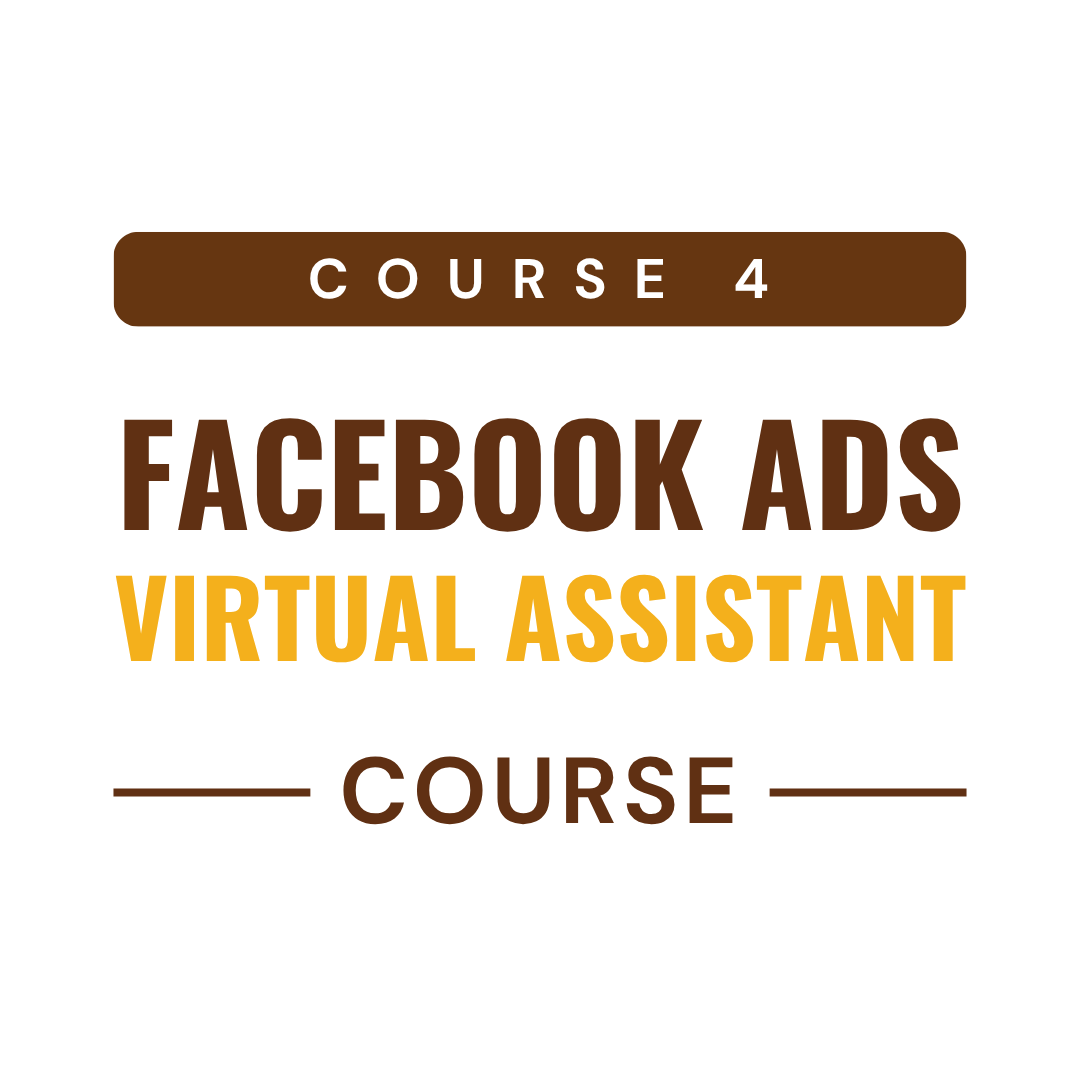
Introduction to Facebook Ads
Setting Up Account
Payments & Roles
Understanding Facebook Ads Manager
Creating Your First Campaign
Building the Ad Set
Creating the Actual Ads
Testing and Optimizing
Reading the Results
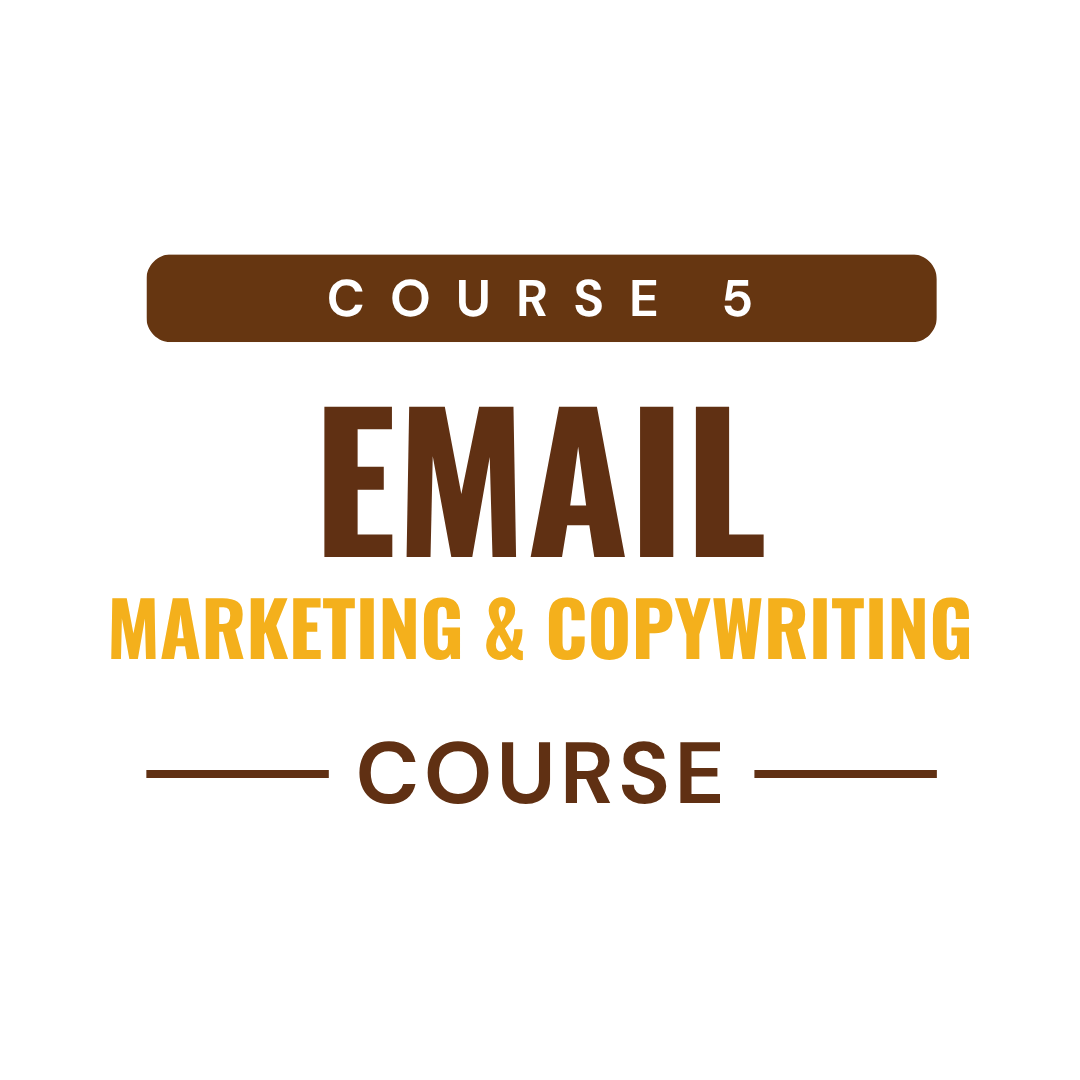
What is Email Marketing
Terminologies
Deliverability
How to Test Deliverability
Building an Email List
Email Copywriting
Creating Email Campaigns using Active Campaign
Creating Email Campaigns Mailchimp
Email List Segmentation
Automations
NEWBIE-FRIENDLY COURSE
KAHIT ZERO KNOWLEDGE O WALA KA PANG
EXPERIENCE, THIS IS THE PERFECT COURSE FOR YOU!
Lahat ng lessons ay Tagalog-English explained. Hindi lang ito galing sa ChatGPT or Google kundi based on the experiences of the course creator.
WHAT'S COVERED PER COURSE
Tap a skill to open its full topic list.
Lecture 1: Inbox Management
Understanding the Gmail interface
How to get Access to Client's account as a V
Understanding "To," "CC," and "BCC" Fields
Writing a professional email
Creating and sending emails: Formatting, attachments
Utilizing filters and labels for organization
How to Use Templates
Setting up automatic replies (out-of-office)
How to bulk delete emails
How to Insert Email Signature
Sample Email Templates for Inbox Management
Inbox Management Checklist (For VAs)
Lecture 2: Calendar Management
Navigating the Google Calendar Interface
How to get Access to Client's account as a VA
Add to calendar with different time zones
Creating and scheduling events (single & recurring)
Create a Task and how to view it
Create appointment schedule
Lecture 3: Google Drive Management
Google Drive structure
How to Create Folders
How to Share Files/ Folders
File naming conventions for easy searchability
Setting permissions and access levels
Version history and file recovery
Lecture 4: Data Entry
Purpose of Google sheets for Data entry
Parts of a Spreadsheet (Google Sheet)
Collaboration and Sharing
What is Social Media Management
Tasks of a Social Media Manager
What to Ask your Clients before you Start
Social Media Platforms Overview
Social Media Creatives
Caption & Hashtags
Social Media Tools I personally use
Content Pillars
Sample workflow of a Social Media Manager
Free templates: Workflow checklist, Social Media Tasks
Elements of Design
Basic Principles of Design
Color Theory Basics
Basics in Canva
Canva Interface Tour
Working with Templates: Finding and Customizing
Text Tools: Fonts, Sizes, Effects, and Pairing
Using Elements: Shapes, Icons, Lines, Illustrations
Adding and Editing Photos (Filters, Frames, Grids)
Understanding Layers, Groups, and Positioning
Using Brand Kit (For Canva Pro)
Backgrounds, Gradients, and Transparency
Smart Mockups and Frames
Using Canva Magic Studio Tools (AI Tools)
Resize Options
File Types Explained: PNG, JPG, PDF, MP4
How to Download Canva Designs
Hands-On Projects for Beginners
Introduction to Facebook Ads
Setting Up Account
Payments & Roles
Understanding Facebook Ads Manager
Creating Your First Campaign
Building the Ad Set
Creating the Actual Ads
Testing and Optimizing
Reading the Results
What is Email Marketing
Terminologies
Deliverability
How to Test Deliverability
Building an Email List
Email Copywriting
Creating Email Campaigns using Active Campaign
Creating Email Campaigns Mailchimp
Email List Segmentation
Automations
— BONUS LESSONS INCLUDED!
Everything you need to land your first VA client
What is a Virtual Assistant
Services to Offer as a Virtual Assistant
Apps, Tools & Equipment Neede
How to Rate Yourself
How to Receive Payment
Tips for Writing a Cover Letter
How to Create a One-Pager/Resume
How to Create a Shareable Link
What to include in your Portfolio
Where did I Find my Clients
Sites Where to Apply
Interview Tips
How to Get VA Experience as a Newbie
How to Avoid Job Scam
Other Tips and more....

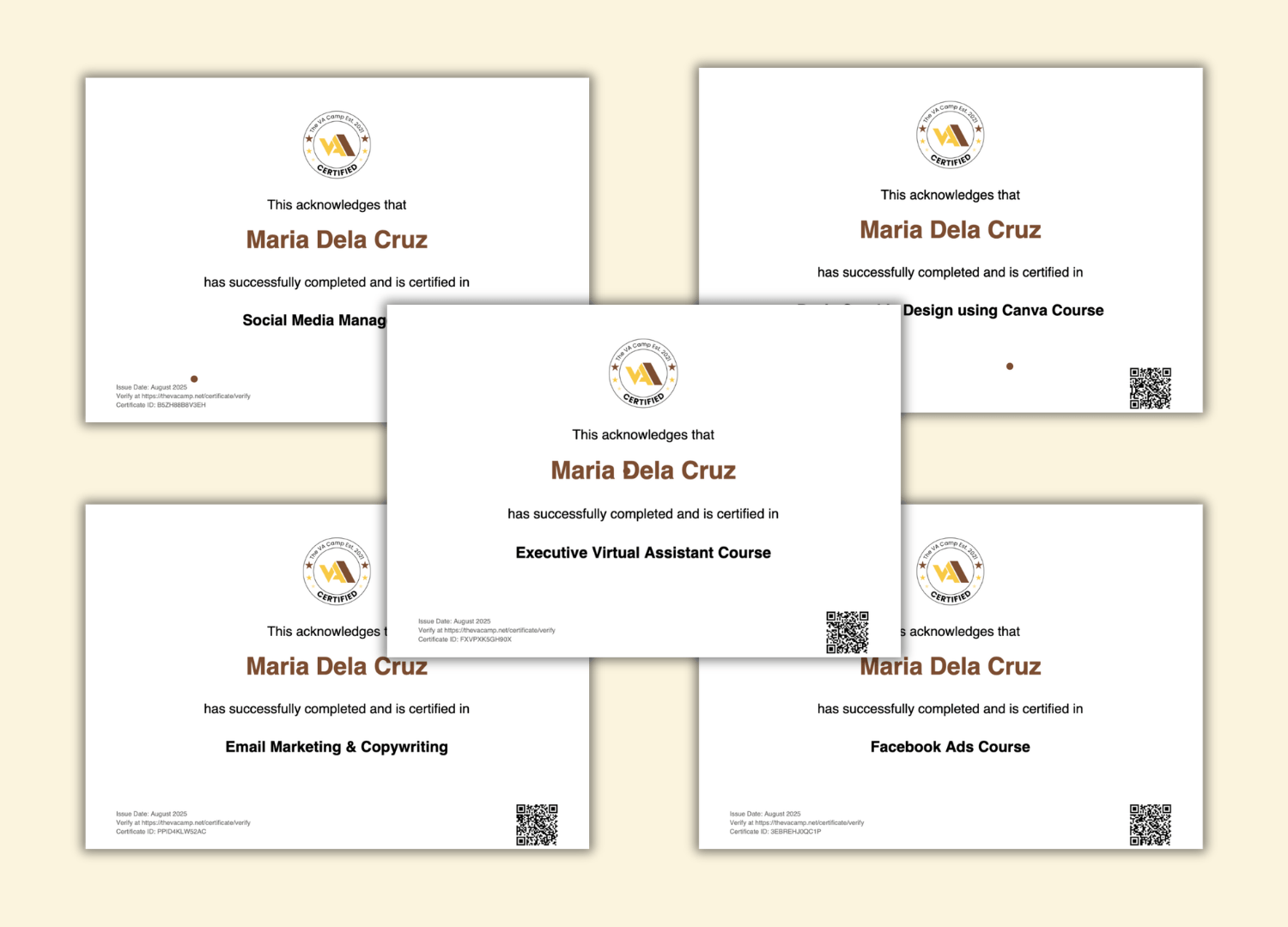
— 5 CERTIFICATES OF COMPLETION
Includes Five Verified Certificates
Boost your credibility and stand out from the competition.
— WHAT'S INCLUDED
5 Courses. 1 Low Price.
Here's what each course is worth on its own — and what you actually pay when you join the bundle today.
Virtual Assistant Fundamentals
Beginner course · Certificate included
₱999
Executive Virtual Assistance
Beginner course · Certificate included
₱999
Social Media Management
Beginner course · Certificate included
₱999
FB Ads
Beginner course · Certificate included
₱999
Canva Mastery Class
Beginner course · Certificate included
₱999
Email Marketing
Beginner course · Certificate included
₱999
Bonus Lessons & Resources
Resume, portfolio, cover letter templates & more
₱499
Total Value
₱5,494
You only pay today
₱249 only
— WHAT'S INCLUDED
5 Courses. 1 Low Price.
Here's what each course is worth on its own — and what you actually pay when you join the bundle today.
Virtual Assistant Fundamentals
Certificate included
₱999
Executive Virtual Assistance
Certificate included
₱999
Social Media Mangement
Certificate included
₱999
FB Ads
Certificate included
₱999
Graphic Design using Canva
Certificate included
₱999
Bonus Lessons & Resources
Resume, portfolio templates & more
₱999
Total Value
₱ 5,494
You only pay
₱249 only
— FREE PREVIEW
Want to see a preview? Watch our FREE Webinar Training before you decide.
— SUCCESS STORIES
Success Stories From Our Students
Here's what each course is worth on its own — and what you actually pay when you join the bundle today.


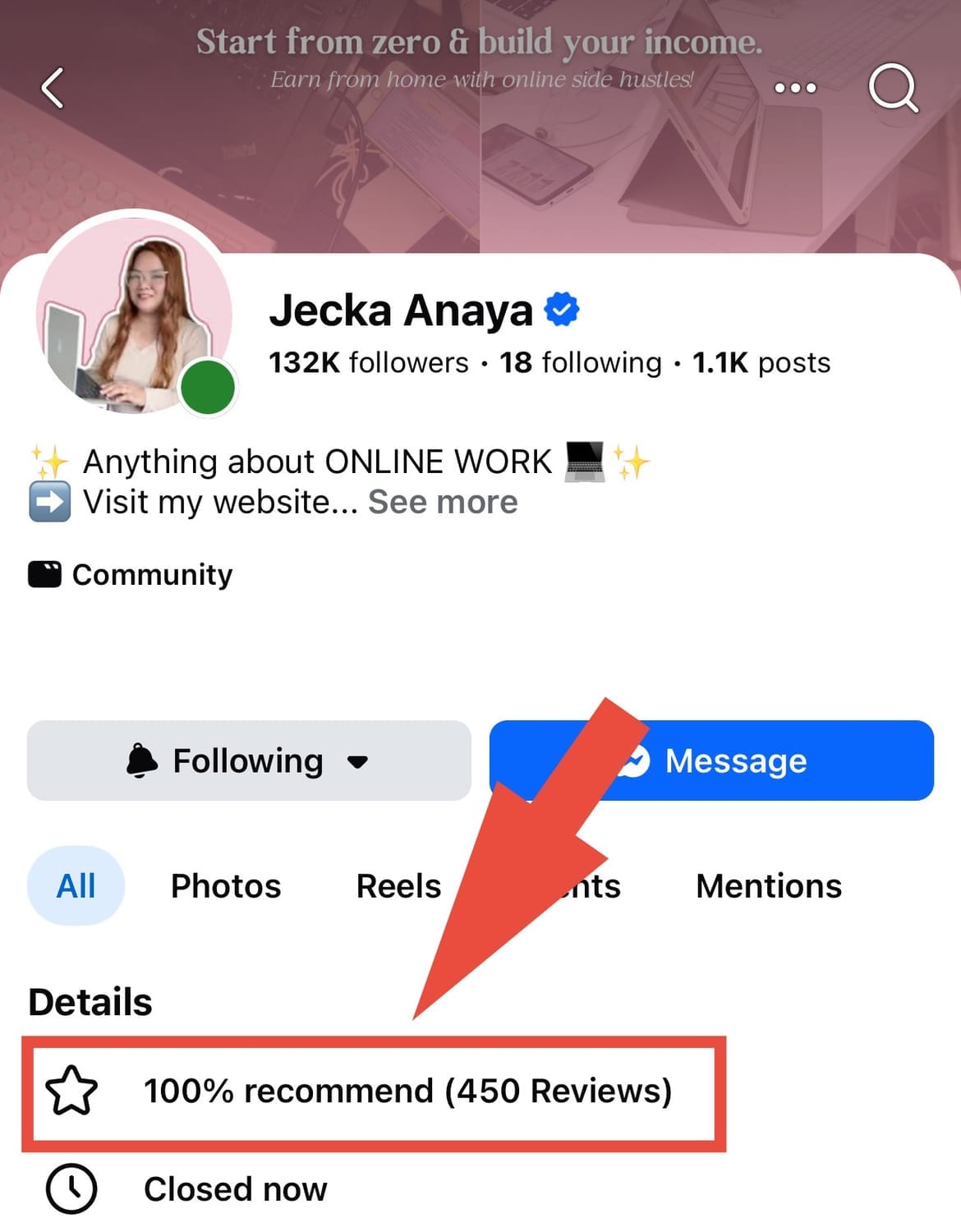
Check reviews from our Facebook Page

Meet Your Mentor: Ms. Jecka
From being a secondary teacher for 6 years, I transitioned into virtual assistance to build a more flexible life. I've worked with Amazon sellers and international clients, growing into a Social Media Manager. Now, my mission is to help aspiring Filipinos start and succeed in their VA journey.




Meet Your Mentor: Ms. Jecka
From being a secondary teacher for 6 years, I transitioned into virtual assistance to build a more flexible life. I've worked with Amazon sellers and international clients, growing into a Social Media Manager. Now, my mission is to help aspiring Filipinos start and succeed in their VA journey.
Frequently Asked Questions
Laptop/desktop computer or any other device like phone or tablet/ipad.
Internet Connection. A Prepaid or Postpaid internet connection is needed.
Ito ay SELF-STUDY na pwede mo umpisahan anytime. Nasa website ang mga courses at video lessons & materials. Pero we conduct Live sessions rin for free every month. We will announce kung ano ang schedule.
Yes meron. Pwede kang sumali sa mga group chats once nakapasok ka na sa FB Group natin.
Yes. This is lifetime access so that you can rewatch the videos if you need/want to.
Sa ngayon we only provide training. Pero we are working on communicating with potential clients na pwedeng mag-hire sa mga students namin. But we have a support system sa community natin na malaking tulong rin sa pag-aapply nyo as a VA.
Yes po. You can search sa Facebook po ang #VACStudentSpeak
You can check po the reviews dito: https://www.facebook.com/ms.jecka.anaya/reviews
Or if you are using your mobile phone, go to our page po and click the reviews tab.
Here's also the exclusive Facebook group of our 5-in-1 VA Launchpad enrolled students.
https://www.facebook.com/groups/thevacampcourses
Here's also the exclusive Facebook group of our Digital Profits enrolled students.
How to join the 5-in-1 VA Launchpad?
3 Simple Steps to Start Your Career
MAKE A PAYMENT
Bayaran lang ang Php 249 enrollment fee.
Payment details last updated:
You can pay MANUALLY. Here are the bank details available.
Gcash
Jecka Mae Anaya
0975 767 0178
Maya
Mark J. Anaya
0962 545 2639
Maribank
Mark J. Anaya
1331 2941 577
Or you can pay through the website, banks available are BPI, RBC, UNIONBANK, CHINABANK or QRPH.
Choose QRPH, then scan the QR code using any bank or e-wallet you have.
-------
-------
SUBMIT DETAILS
Isend ang iyong details gamit ang aming official channels:
Blank
Blank
Send details here
-------
-------
CONFIRMATION

Hintayin ang confirmation ng enrollment within the day.
Blank
Blank

Join 13,000+ Students Already Enrolled
-------
-------
Your Future Starts Today
Wag nang maghintay na tumaas ang presyo. Join the academy for the price of a coffee.
Your Future Starts Today
Wag nang maghintay na tumaas ang presyo. Join the academy for the price of a coffee.

For more questions, email us at info@thevacamp.net